This page demonstrates some of the shortcode blocks you can use when creating content. All of the layouts shown on this page can be created using shortcodes as individual instances, or in combination with one another. Some shortcodes with the same width formatting will stack when used one after the other.
These are the first and probably most widely-used shortcode patterns. Further patterns are planned for sliders and embedded third-party services.
Images and Galleries
 https://webgradients.com
 Like many other blocks, images can be given alignments to change how they are positioned on the page. The image below is set to the wide alignment, extending its width to match the site header and footer – on desktop at least. On smaller screens – e.g. mobiles and tablets in portrait orientation – blocks with the wide alignment have the same width as blocks with the default alignment.
https://webgradients.com If you really want to go big, you can use the full alignment, which makes blocks extend all the way to the edges of the content area.
https://webgradients.com Video embeds
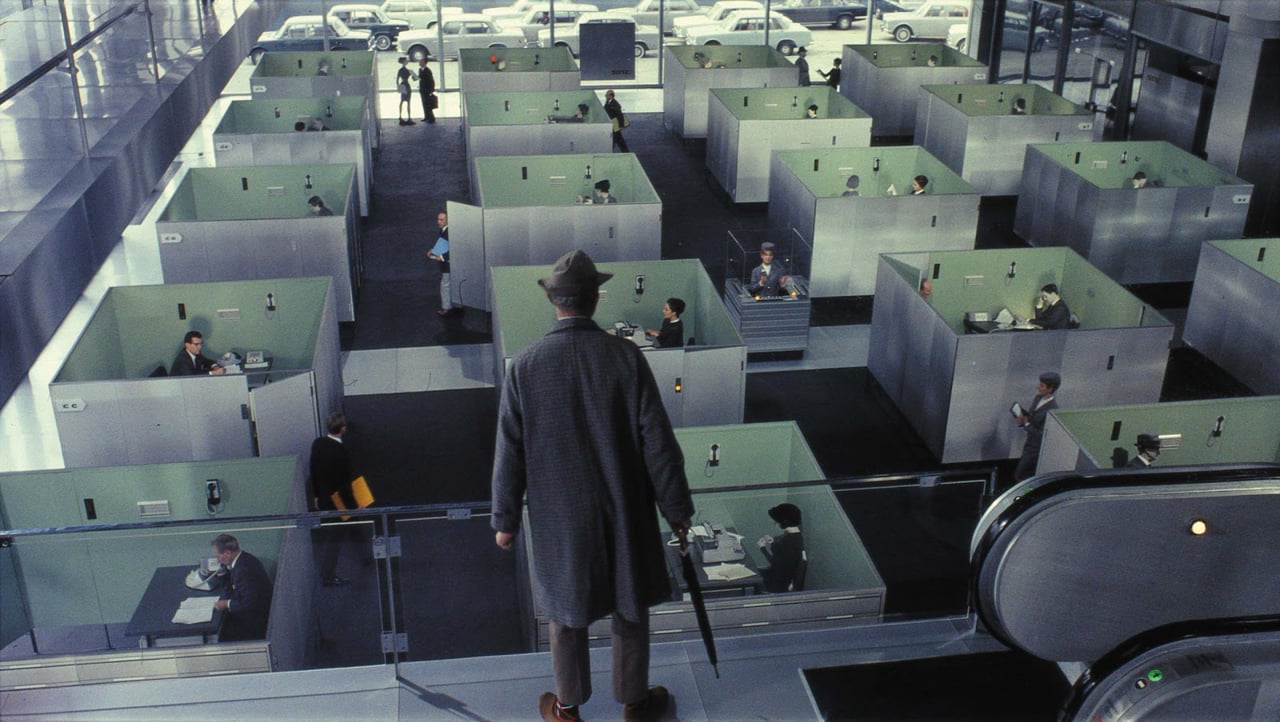
Here’s a youtube embed:

And here’s a vimeo embed:
Gallery blocks
Gallery blocks have two settings: the number of columns, and the width of the gallery block. Typically between two and four columns works best, depending on the width setting. A caption can be optionally set for the group of images. Specifying an aspect-ratio ensures images of different sizes maintain an even appearance.
 https://webgradients.com
  https://webgradients.com
  https://webgradients.com
 When you stack multiple gallery blocks or gallery and image blocks on top of each other, the margin between them is adjusted to match the horizontal margin between each gallery item. That means that you can create collages of stacked image and gallery blocks, like this:
https://webgradients.com https://webgradients.com https://webgradients.com  https://webgradients.com
  https://webgradients.com
  https://webgradients.com
 Just like the image block, gallery blocks can be set to the wide and full alignment for extra impact. They stack when set to those alignments as well.
https://webgradients.com https://webgradients.com https://webgradients.com https://webgradients.com https://webgradients.com https://webgradients.com Quotes
Next, let’s take a look at quotes. The quote block has three styles. Regular, with the same font size as regular paragraphs:
All things are easy before they are difficult.
Thomas Füller
And large, which bumps the font size:
Patience is not passive waiting. Patience is active acceptance of the process required to reach a goal.
Ray Davies
And a small size which can be used for longer passages of quoted text.
As a single footstep will not make a path on the earth, so a single thought will not make a pathway in the mind. To make a deep physical path, we walk again and again. To make a deep mental path, we must think over and over the kind of thoughts we wish to dominate our lives.
As a single footstep will not make a path on the earth, so a single thought will not make a pathway in the mind. To make a deep physical path, we walk again and again. To make a deep mental path, we must think over and over the kind of thoughts we wish to dominate our lives.
Henry David Thoreau
In addition to the quote block, there are also pull quote blocks, with a regular and a solid color style. Due to its large font size, the pull quote works best for shorter quotes.
All things are easy before they are difficult.
Thomas Füller
That’s the regular color style. This is the solid one:
There are as many opinions as there are experts. Each is a law unto themselves.
Franklin D. Roosevelt
Pull quotes can also – as the name implies – be pulled to the left or right of the content. On mobile, these quotes will fill the entire width of the content column and look the same as the pull quotes without alignment.
Let’s add some lorem ipsum text and give them a try.
Less is more.
Mies van der Rohe
Lorem ipsum dolor sit amet, consectetur adipisicing elit, sed do eiusmod tempor incididunt ut labore et dolore magna aliqua. Ut enim ad minim veniam, quis nostrud exercitation ullamco laboris nisi ut aliquip ex ea commodo consequat. Duis aute irure dolor in reprehenderit in voluptate velit esse cillum dolore eu fugiat nulla pariatur. Excepteur sint occaecat cupidatat non proident, sunt in culpa qui officia deserunt mollit anim id est laborum.
Less is a bore.
Robert Venturi
Sed ut perspiciatis unde omnis iste natus error sit voluptatem accusantium doloremque laudantium, totam rem aperiam, eaque ipsa quae ab illo inventore veritatis et quasi architecto beatae vitae dicta sunt explicabo. Nemo enim ipsam voluptatem quia voluptas sit aspernatur aut odit aut fugit, sed quia consequuntur magni dolores eos qui ratione voluptatem sequi nesciunt.
At vero eos et accusamus et iusto odio dignissimos ducimus qui blanditiis praesentium voluptatum deleniti atque corrupti quos dolores et quas molestias excepturi sint occaecati cupiditate non provident, similique sunt in culpa qui officia deserunt mollitia animi.
Next – headings!
H1 Heading
H2 Heading
H3 Heading
H4 Heading
H5 Heading
H6 Heading
Here, have a file.
-
 https://webgradients.com
 -
 https://webgradients.com
 -
 https://webgradients.com
 -
 https://webgradients.com
 -
 https://webgradients.com
- https://webgradients.com
- https://webgradients.com
- https://webgradients.com
-
 https://webgradients.com
 -
 https://webgradients.com
The group block allows us to group different blocks together, modify their layouts and change their text and background color. It essentially places content in a box, which again be set to different widths.
Normal Group
This group block has a solid background color and normal alignment.
If an optional title is provided, the group block spilts into two columns:
Wide Group
This group block is set to the wide alignment. It’s larger with room for lots of content – at least on desktop. On mobile, it matches the width of the group block with normal alignment.
This group is also split into columns, giving us two columns to work with on desktop screen sizes. On desktop, the heading is to the left and the text is to the right. On mobile, the heading and the text are stacked.
Full Group
When set to the full alignment, the group block stretches to fill the entire content area, on both desktop and mobile. This can be used as a content divider or to denote a new kind of content.
Stacked Group
If you put two groups with a background color and the full alignment after each other, the margin between them is collapsed. That can be used to break down a layout into different sections.
Lorem ipsum dolor sit amet, consectetur adipisicing elit, sed do eiusmod tempor incididunt ut labore et dolore magna aliqua. Ut enim ad minim veniam, quis nostrud exercitation ullamco laboris nisi ut aliquip ex ea commodo consequat. Duis aute irure dolor in reprehenderit in voluptate velit esse cillum dolore eu fugiat nulla pariatur. Excepteur sint occaecat cupidatat non proident, sunt in culpa qui officia deserunt mollit anim id est laborum.
Sed ut perspiciatis unde omnis iste natus error sit voluptatem accusantium doloremque laudantium, totam rem aperiam, eaque ipsa quae ab illo inventore veritatis et quasi architecto beatae vitae dicta sunt explicabo. Nemo enim ipsam voluptatem quia voluptas sit aspernatur aut odit aut fugit, sed quia consequuntur magni dolores eos qui ratione voluptatem sequi nesciunt.
If used for a portfolio website, stacked group blocks can be a nice way to show off work and cite testimonials from clients beneath:
https://webgradients.com This could be a testimonial from a client, or a comment fragment that relates to the image you’re using.
Next, let’s take a look at separators. This is the wide one:
And this is the thin one:
And this is the dotted one:
They can all be set to different colors, like this:
Media and text pairings
https://webgradients.com Media & Text
The media and text shortcode block is another good way of relating text and images. It can also link to other content.
https://webgradients.com You can reverse the order of the image and the text, change the text and background color, and set the vertical text alignment.
If this shortcode block is set to responsive, the text will collapse beneath the image on mobile views. If not, the layout remains at small viewport widths.
Those are just some variants that these shortcode blocks can produce. By using these in combination, one has a range of different ways of structuring web pages and giving them different flavours while still maintaining a common overall layout. Combining these with (predefined helper) classes one can also change colours, gaps, widths, etc.
In most cases, only a few such shortcode layout blocks will appear on a page. Sometimes less is more…
However, to finish off, there’s a simple call to action button shortcode.
